
Note
Go to the end to download the full example code.
Multivariate splines#
This example demonstrates how to create multivariate splines using SplineBox.
import matplotlib.pyplot as plt
import numpy as np
import pyvista
import splinebox
import splinebox.multivariate
1. 1D Bivariate surface spline#
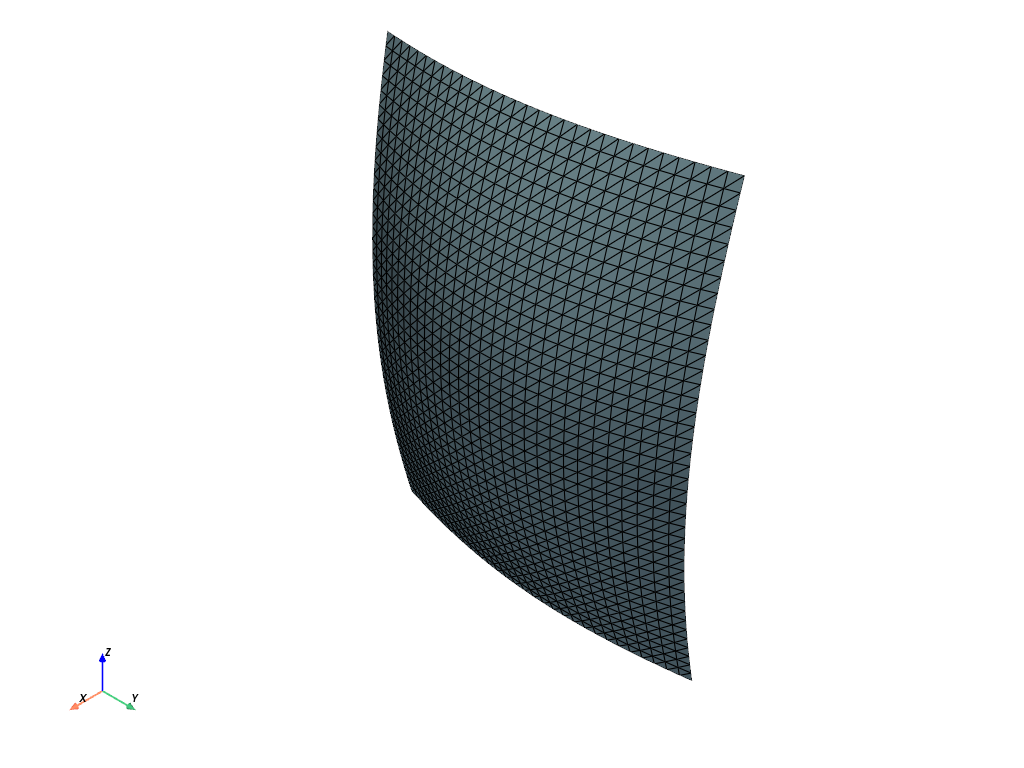
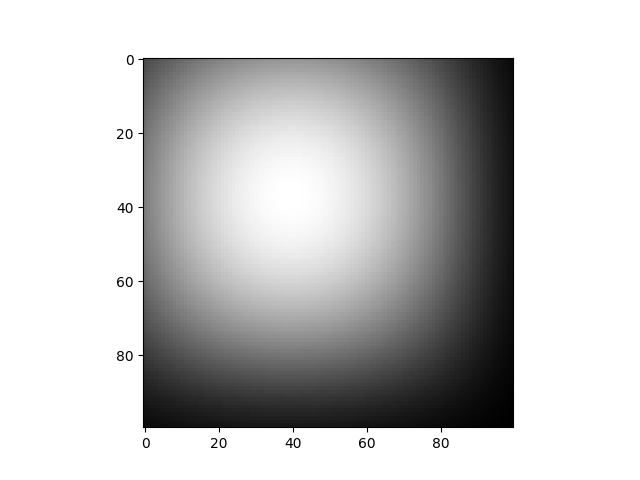
1D Bivariate surface spline is a spline that takes two parameters and returns a scalar.
M = (4, 5)
closed = (False, False)
control_points = splinebox.multivariate.tensor_product([np.sin(np.linspace(0, np.pi, m + 2)) for m in M])

spline = splinebox.multivariate.MultivariateSpline(
    M=M, basis_functions=splinebox.B3(), closed=closed, control_points=control_points
)

t = np.stack(np.meshgrid(*(np.linspace(0, m, 100) for m in M), indexing="ij"), axis=-1)

vals = spline(t)

plt.imshow(vals)
plt.show()

points, connectivity = spline.mesh()

# Prepend the number of points in each element (3 for triangles) for PyVista
connectivity = np.hstack((np.full((connectivity.shape[0], 1), 3), connectivity))

# Create and plot the PyVista mesh
mesh = pyvista.PolyData(points, faces=connectivity)
mesh.plot(show_edges=True)
2. 3D Bivariate surface spline#
3D Bivariate surface spline is a spline that takes two parameters and returns a 3D vector. As an example we will create a pipe shaped surface.
M = (4, 3)
closed = (True, False)
We want the spline to be circular in one direction and straight in the other. For the circular direction we choose an exponential basis function and for the straight direction we choose the B1 basis function.
basis_functions = (splinebox.Exponential(M[0]), splinebox.B1())
Let’s create the control points for the circular direction. We create four points equally spaced on a circle with radius one in the x-y plane. Note that we have to set z to one and not zeros because the control points are multiplied in a multivariate spline and not added.
x = np.sin(np.linspace(0, 2 * np.pi, M[0] + 1))[:-1] + 3
y = np.cos(np.linspace(0, 2 * np.pi, M[0] + 1))[:-1] - 2
z = np.ones(M[0])
control_points_circular = np.stack([x, y, z], axis=-1)
Next, we construct the control points for the straight direction.
x = np.ones(M[1])
y = np.ones(M[1])
# x = np.array([0.5, 1, 0.5])
# y = np.array([1, 0.5, 1])
# x = np.array([1, 1, 0.5])
# y = np.array([1, 0.5, 1])
z = np.array([0, 1, 2]) + 5
control_points_straight = np.stack([x, y, z], axis=-1)

control_points = splinebox.multivariate.tensor_product([control_points_circular, control_points_straight])

spline = splinebox.multivariate.MultivariateSpline(
    M=M, basis_functions=basis_functions, closed=closed, control_points=control_points
)

points, connectivity = spline.mesh()

# Prepend the number of points in each element (3 for triangles) for PyVista
connectivity = np.hstack((np.full((connectivity.shape[0], 1), 3), connectivity))

# Create and plot the PyVista mesh
mesh = pyvista.PolyData(points, faces=connectivity)
mesh.plot(show_edges=True)
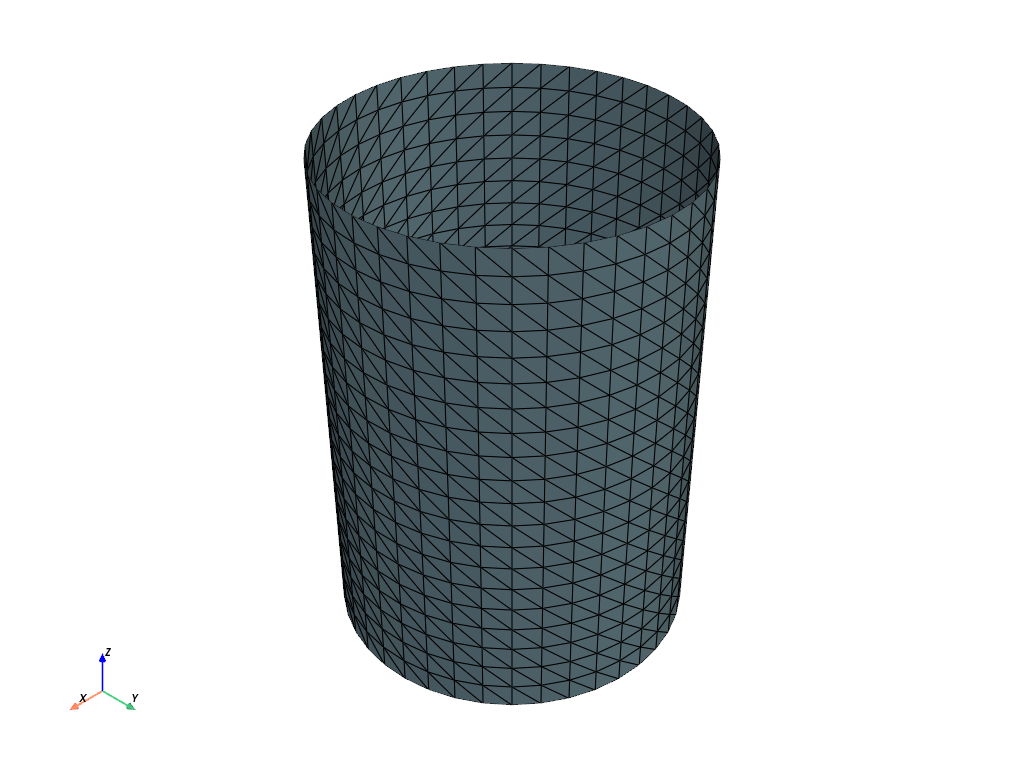
Aligning the pipe along one of the z-axis, allowed us to factorize the element-wise multiplication as follows: $vec[x, y, z] = vec[x, y, 1] * vec[1, 1, z]$
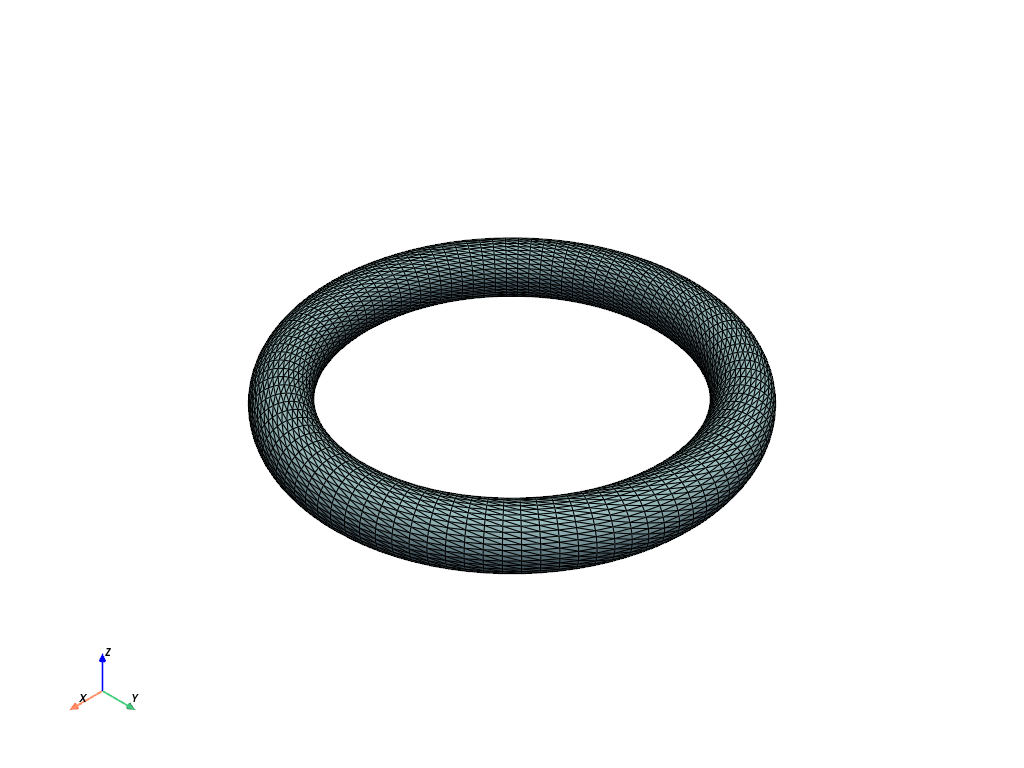
3. The torus#
M = (10, 4)
closed = (True, True)
torus_basis_functions = (splinebox.Exponential(M[0]), splinebox.Exponential(M[1]))

R = 5
r = 1
control_points = []
x = np.cos(np.linspace(0, 2 * np.pi, M[0] + 1))[:-1]
y = np.sin(np.linspace(0, 2 * np.pi, M[0] + 1))[:-1]
z = np.ones(M[0])
points = np.stack([x, y, z], axis=-1)
control_points.append(points)
x = r * np.sin(np.linspace(0, 2 * np.pi, M[1] + 1))[:-1] + R
y = r * np.sin(np.linspace(0, 2 * np.pi, M[1] + 1))[:-1] + R
z = r * np.cos(np.linspace(0, 2 * np.pi, M[1] + 1))[:-1]
points = np.stack([x, y, z], axis=-1)
control_points.append(points)
control_points = splinebox.multivariate.tensor_product(control_points)

spline = splinebox.multivariate.MultivariateSpline(
    M=M, basis_functions=torus_basis_functions, closed=closed, control_points=control_points
)

points, connectivity = spline.mesh()

# Prepend the number of points in each element (3 for triangles) for PyVista
connectivity = np.hstack((np.full((connectivity.shape[0], 1), 3), connectivity))

# Create and plot the PyVista mesh
mesh = pyvista.PolyData(points, faces=connectivity)
mesh.plot(show_edges=True)
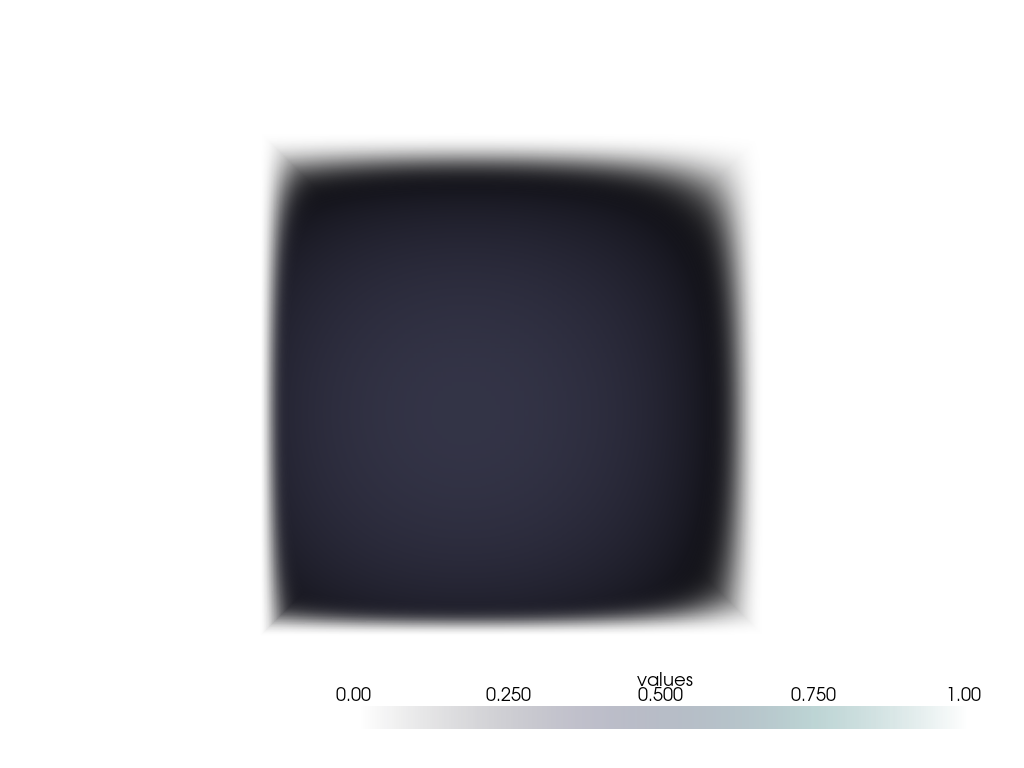
Trivariate spline#
trivariate_M = (7, 5, 8)
trivariate_closed = (False, False, False)
trivariate_basis_functions = splinebox.B3()
trivariate_control_points = splinebox.multivariate.tensor_product(
    [np.sin(np.linspace(0, np.pi, m + 2)) for m in trivariate_M]
)

spline = splinebox.multivariate.MultivariateSpline(
    M=trivariate_M,
    basis_functions=trivariate_basis_functions,
    closed=trivariate_closed,
    control_points=trivariate_control_points,
)

t = np.stack(np.meshgrid(*(np.linspace(0, m, 100) for m in trivariate_M), indexing="ij"), axis=-1)

vals = spline(t)
vals = np.squeeze(vals)

grid = pyvista.ImageData(dimensions=np.array(vals.shape) + 1)
grid.origin = (0, 0, 0)
grid.spacing = (1, 1, 1)
grid.cell_data["values"] = vals.flatten(order="F")
plotter = pyvista.Plotter()
plotter.add_volume(grid, cmap="bone", clim=(0, 1))
plotter.camera_position = "yz"
plotter.show()
Total running time of the script: (0 minutes 4.667 seconds)